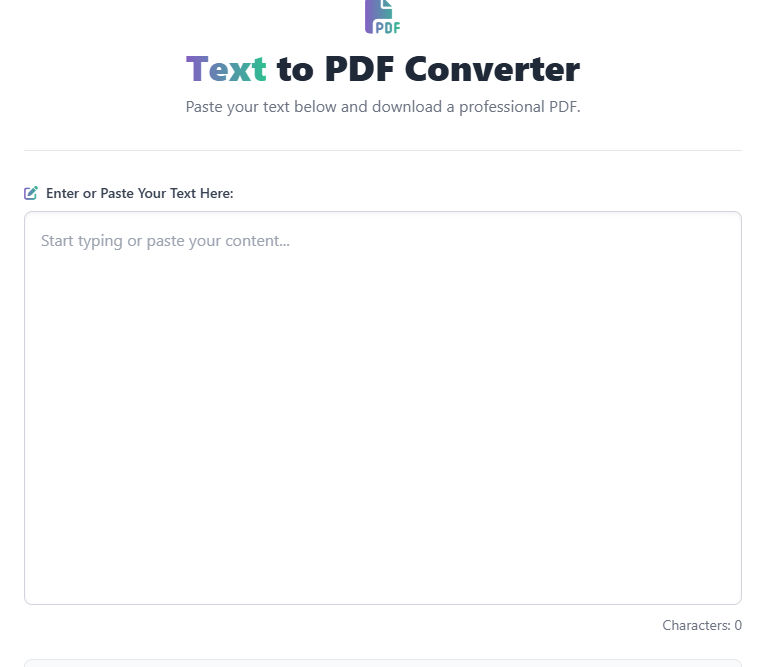
Text to PDF Converter
Paste your text below and download a professional PDF.
Characters: 0
A Text to PDF converter is the fastest and most reliable tool used to transform plain text content into the universally accepted PDF format.
While a simple text file (.txt) is easy to create, it often lacks the formatting, security, and professional appearance required for sharing, archiving, or printing. Converting your text to a PDF provides a useful, secure “snapshot” of your document. By using our free online Text to PDF tool, you can quickly generate a professional, fixed-layout document that looks the same on any device, helping you preserve your content integrity.
What is the Text to PDF Converter Tool?
The Text to PDF tool is a simple, standardized utility that accepts plain text input and renders it as a Portable Document Format (PDF) file. The process is instant and requires no advanced technical knowledge.
PDFs are the gold standard for document exchange because they are:
- Universal: Readable on every operating system (Windows, Mac, Linux, iOS, Android).
- Fixed Layout: The formatting and appearance never change, regardless of the software used to view it.
- Secure: Supports password protection and permissions for confidential documents.
Key Features of Our PDF Converter
Our free online tool is designed for speed and reliability:
| Feature | Description |
| Input Options | Accepts text pasted directly or uploaded .txt files. |
| Custom Formatting | Simple options for font size, page size (A4, Letter), and margins. |
| Security | Ensures the converted PDF is secure and non-editable. |
| Speed | Converts multi-page text documents to PDF in seconds. |
How Our Online Text to PDF Converter Works
Our intuitive tool performs the required conversion instantly and is incredibly simple to use:
- Input: You paste your text or upload a
.txtfile. - Conversion: The tool processes the plain text content, applying standard PDF formatting rules (page breaks, margins).
- Output: The result is a high-quality PDF file ready for download, archiving, or printing.
Step-by-Step Guide: Use Our Free Text to PDF Tool
- Open the Tool – Navigate directly to our Text to PDF Converter page.
- Add Your Text – Either paste your text content into the editor box or click “Upload File” to select a
.txtfile from your device. - Adjust Settings (Optional) – Select your preferred page size and orientation (e.g., Portrait A4).
- Click Convert – The tool will process the text instantly and generate the PDF.
- Download Result – Click the “Download PDF” button to save the new file to your computer.
Why Use Our Free Online Text to PDF Converter?
- Instant & Private: Convert your documents quickly and securely—your files are deleted from our servers after conversion.
- Preserve Formatting: Fixes your content into a stable layout, ensuring it looks identical everywhere.
- High Quality: Creates professional-grade PDFs perfect for printing or professional use.
- 100% Free: Unlimited use with no watermarks or hidden fees.
- Mobile Friendly: Use this Text to PDF Converter seamlessly on your phone, tablet, or desktop.
FAQ – Text to PDF Conversion
Q1: What types of text files can I convert to PDF?
A: Our tool primarily supports converting plain text files with the .txt extension. You can also directly paste text copied from any source (emails, documents, websites) into the input box.
Q2: Will my font styles and colors be preserved?
A: Since this tool converts plain text, it will apply standard, secure formatting (like Times New Roman or Arial) to ensure universal compatibility. Complex font styles or colors from the original source may not be preserved.
Q3: Is the conversion process secure?
A: Yes, absolutely. Your text content is encrypted during transmission, and we delete all uploaded and converted files from our servers shortly after you download the result.
Q4: Can I use this tool to convert a Word document to PDF?
A: This tool is specifically optimized for Text to PDF conversion. For more complex files like .docx (Word), we recommend using our dedicated Word to PDF converter tool for better formatting preservation.
Q5: Why is PDF a better format for sharing than a TXT file?
A: A TXT file’s appearance can change dramatically based on the recipient’s device and text editor. A PDF is an image of the document, ensuring your document’s layout, margins, and integrity remain consistent for every viewer.manager or paste text directly from your clipboard.
 — Instantly compress images, convert files, calculate finance & health metrics, and access 50+ handy tools in one place. Fast, reliable, and built for everyone.